
Building Better Resources Together
Thank you for sharing your feedback
Every day, you make a positive difference in our members' lives. We're grateful for your dedication to building meaningful connections in your community!
To help you create even stronger bonds with members, we're improving the resources available to you. Last month, we asked for your input on Papa Pal Central through a survey—and you delivered!
We're carefully reviewing each response to develop resources that truly meet your needs. If you missed the survey, don't worry. We'll have more opportunities for you to share your ideas in the future.
In the meantime, explore our current library of helpful resources on Papa Pal Central to help you thrive as a Papa Pal.
Coming Soon: Schedule Multiple Visits in the Papa Pal app
A highly requested update arrives later this month
Members and Papa Pals love the new scheduling feature in the Papa Pal app! Here's how it's making visits better:
- Plan ahead: Choose times that work best for both you and your member.
- Save time: No more back-and-forth calls—handle scheduling right in the app.
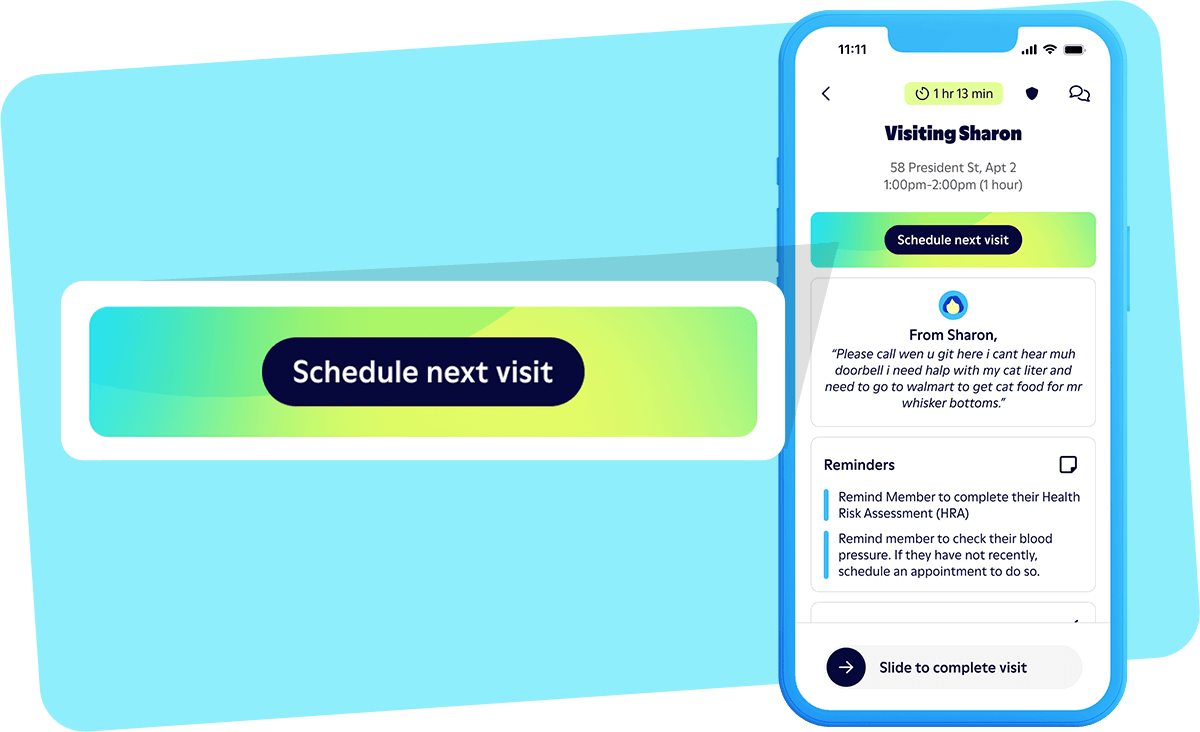
Currently, you can schedule one upcoming visit at a time. By the end of March, you'll be able to schedule multiple visits with a member through the Papa Pal app. This update makes it even easier to maintain regular connections with your members.
Did You Know?
You get to set the "Pal Preference" when scheduling visits in the Papa Pal app
When you schedule a visit through the Papa Pal app, you don't have to be the one to accept it. During the scheduling process, you will be asked to choose the "Pal Preference." Select yourself to accept the visit or choose “Any Papa Pal" to open it to other Papa Pals.
This feature helps ensure members get consistent support, even when you're unavailable. Consider using it when:
- A member has an important appointment but you'll be out of town.
- You can't commit to a visit the member wants to schedule.
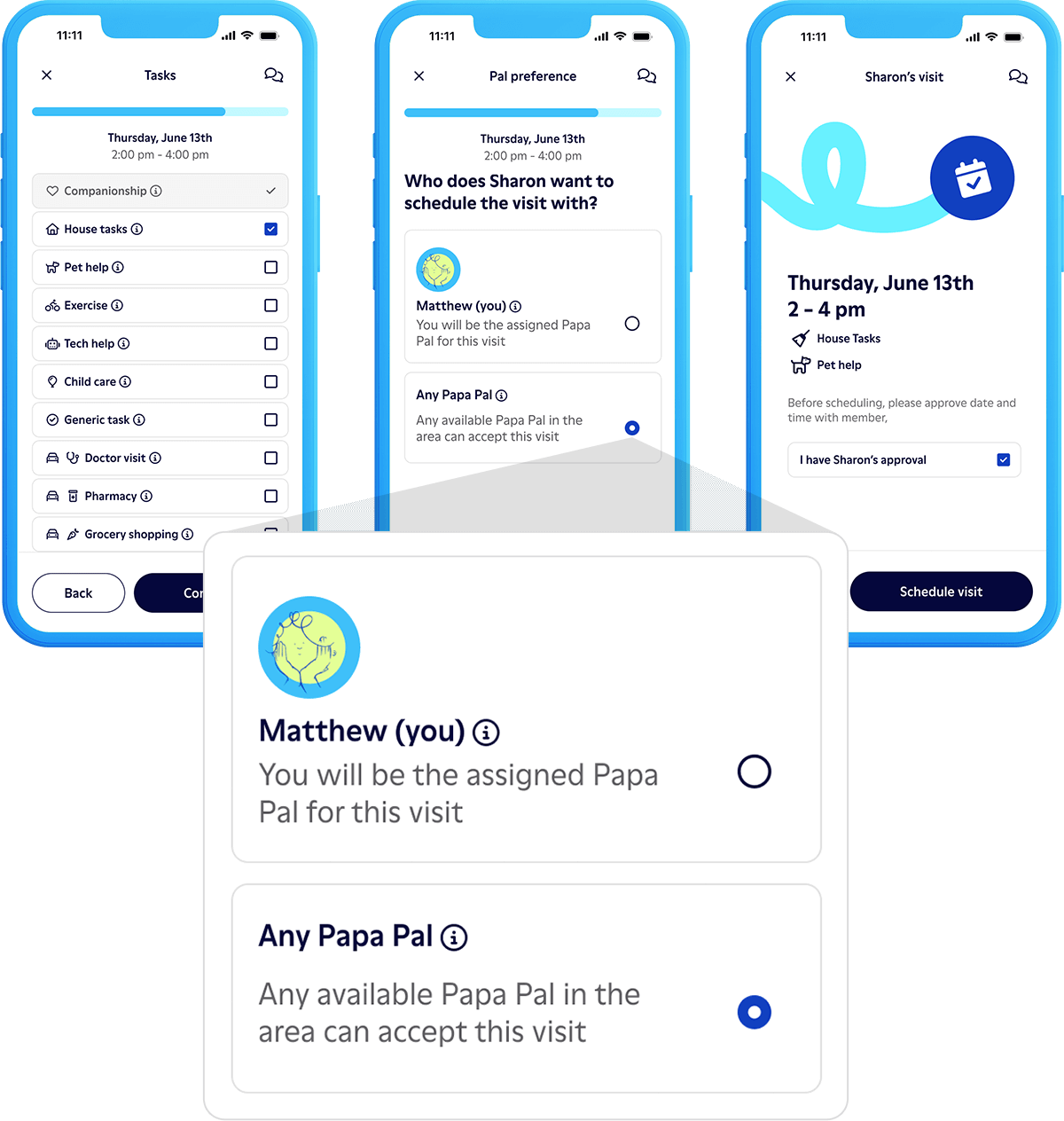
Check out our Papa Pal Central resource Scheduling Visits Directly in the Papa Pal App to master visit scheduling!
Papa Pal Tip
Call ahead for success

One simple way to help ensure successful visits is to call your member the day before. Members often tell us they appreciate this thoughtful step because it offers the opportunity for them to discuss any important items that may impact the visit.
To call your member:
- Open the visit screen in the Papa Pal app.
- Tap the “Call Member” button. (Your number stays private!)
During your call:
- Introduce yourself.
- Confirm the visit date and time.
- Review the starting location and planned tasks.
- Share details about your vehicle so they know what to expect.
If you can't reach the member, leave a friendly voicemail to introduce yourself and confirm you'll be there at the scheduled time.
Check out more Pro Tips for Papa Pals on Papa Pal Central!
Q&A: Spring Cleaning!
What can I help with when a member requests help “spring cleaning?
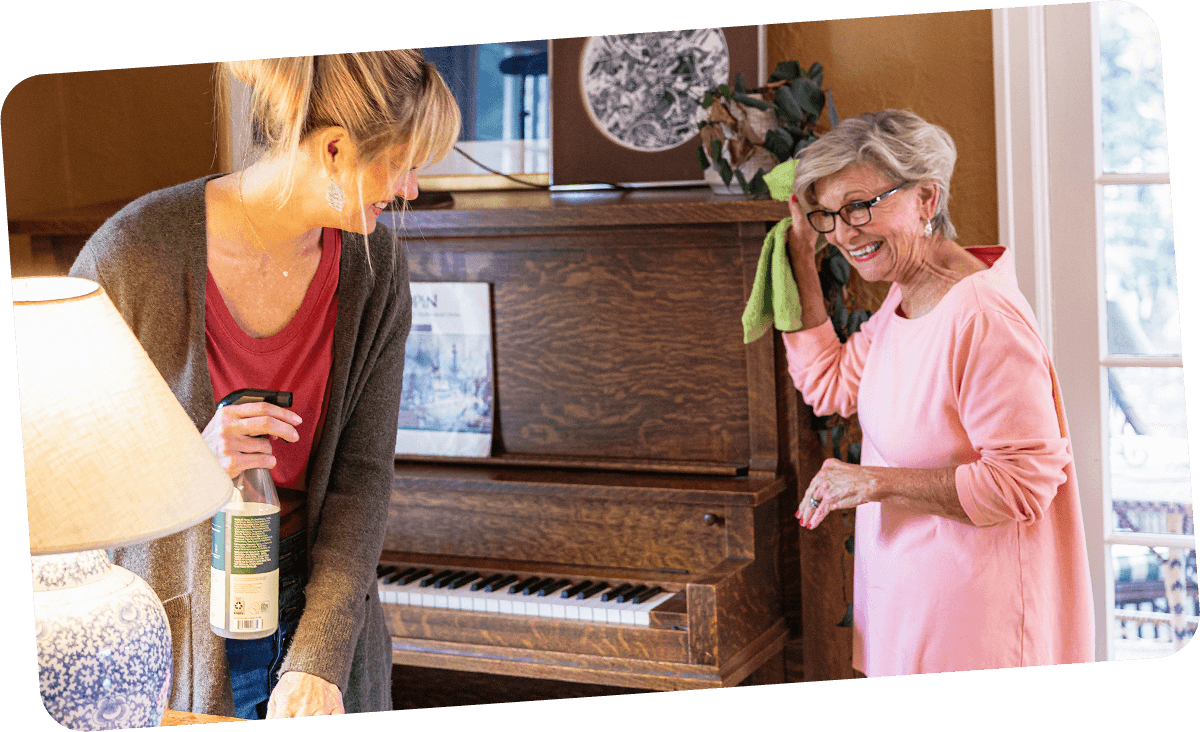
During the spring, many people like to refresh their homes by decluttering and tidying up. If a member schedules spring cleaning help, you will be able to assist with light cleaning tasks, such as:
- Dusting open surfaces in the house
- Sweeping, mopping, or vacuuming
- Wiping down counter tops and cabinets
- Cleaning pantry shelves
- Organizing cupboards or closets
Deep cleaning is not included in Papa Pal services. If a member requests deep cleaning, kindly explain that it's outside your scope. You can share the Papa Pal Service Scope to better help them understand approved tasks.
Safety reminder: When helping members pack items for donation or storage, keep boxes under 20 pounds for safe handling.
Looking for more guidance on how to handle requests that aren’t allowed? View the resource How to Handle Visit Tasks That Aren't Approved.
Important Reminder
Ensure Your Vehicle Meets Papa Requirements
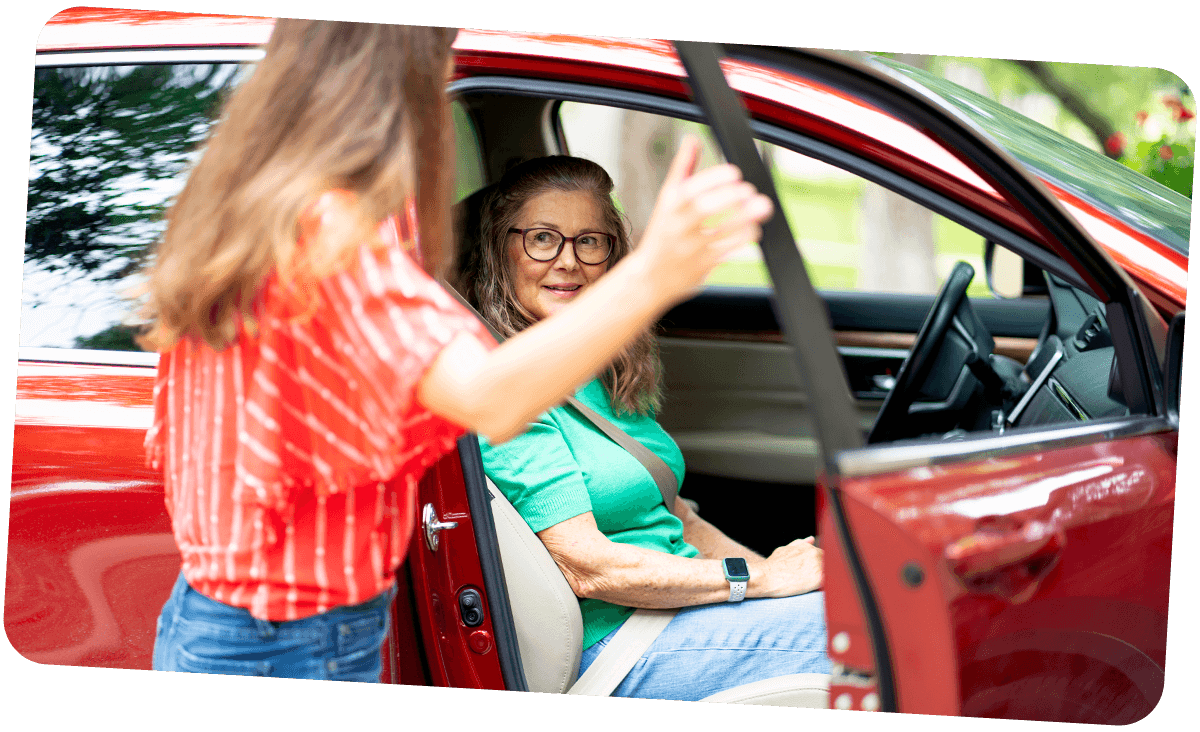
All Papa Pal vehicles must be 16 years old or newer. Currently, the oldest allowable model year is 2009.
It is important for members to enter a healthy and welcoming environment. Before visits, ensure your vehicle is:
- Clean and vacuumed
- Well-maintained
- Free of strong odors
Remember to keep your vehicle information accurate in the Papa Pal app, as it is shared with members in their online platform. Always use the vehicle listed on your profile. Members rely on recognizing your vehicle when you arrive.
Need to update your vehicle information? Click on the 👤 Profile tab in your Papa Pal app to access your car details and make any updates needed.
Check out our vehicle requirements on Papa Pal Central.